
- How high your risk is to getting hacked (very)
- How can you make your website secure?
- What are other security practices that will make an impact on your business?
Are the risks that bad? Yes, yes they are.
A security breach could be the single biggest catastrophe for your organisation. Think you’re safe because your website doesn’t take payment or collect/store sensitive customer data? It’s still a risk for you if your website is hacked and used for spamming. You may potentially even be liable for losses incurred by the general public if they get hacked/scammed as a result of your systems being hacked.

You should definitely consider cyber liability insurance, offered by a wide range of standard and specialist insurance companies. (Keeping in mind that strict cyber crime is likely not covered by your professional indemnity insurance anymore.)
Website security
This is not a comprehensive list but here are a few points of consideration. If you’re on a fully hosted service like Squarespace they will take care of most of this for you, but you should still check just in case. If you’ve gone the self-hosted route, the reference list below is a good start but not comprehensive by any means:
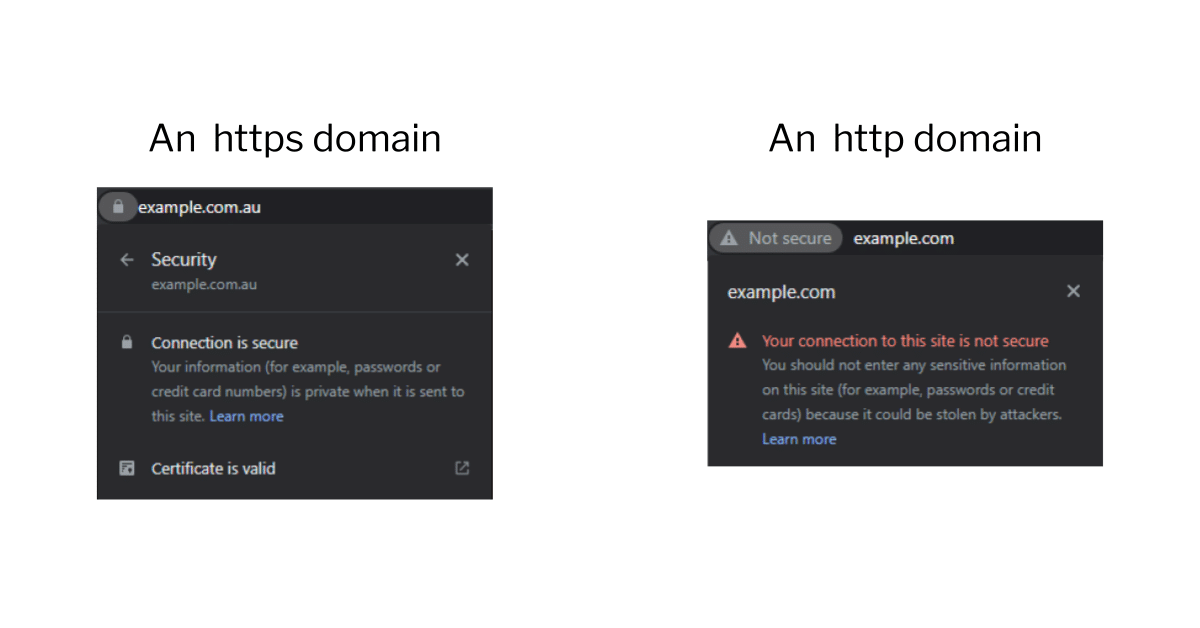
- SSL Certificate: Every website these days should be on HTTPS not the old HTTP. There is just no excuse for having a website on HTTP anymore. Search engines give HTTPS a small ranking boost (but since almost all websites that rank well have it, this is equivalent to a penalty for being on HTTP). Similarly if you start filling out a form on a HTTP page, your browser will typically flash that the page is not secure. How’s that going to work out for your conversion rate?

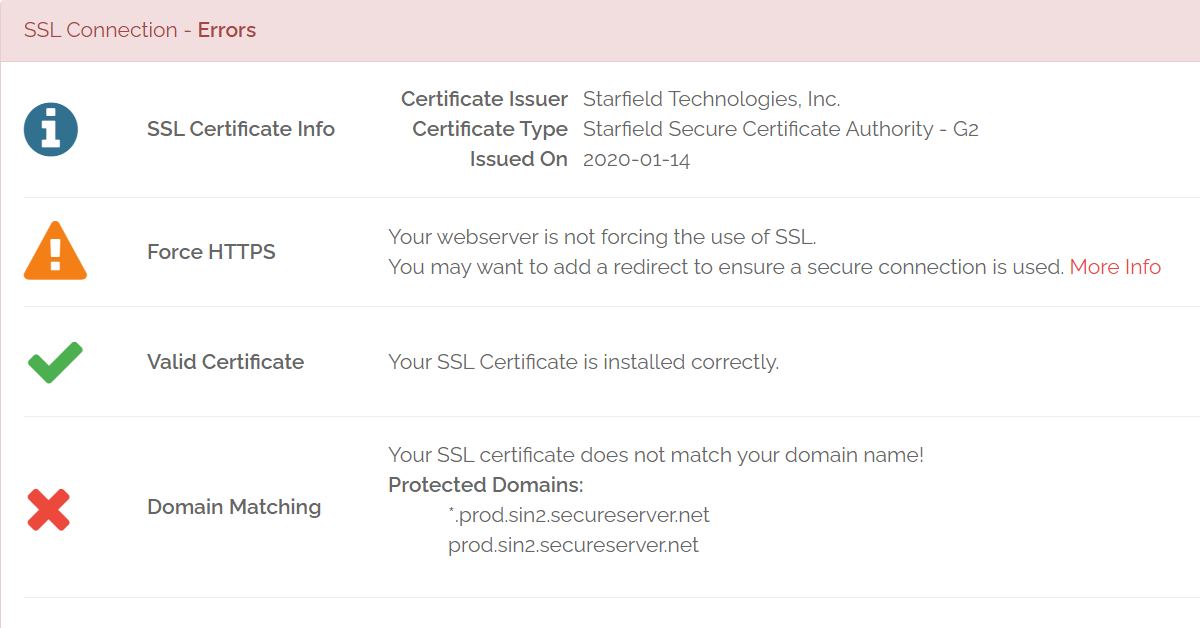
Even for self-hosting, these days you can get a free SSL certificate with Let’s Encrypt or Cloudflare, compatible with most hosts. Note that a certificate is not enough, you need every element on each page to be secure or a browser will not show a padlock to the left of the URL. You should check your key pages and if it’s not there use a scanning service like Why NoPadlock? to work out what’s wrong. - Software updates: If there’s a new version of a CMS/website builder, theme or plugin that you’re using, you should perform the suggested updates. Many updates patch up security holes, which keep being found very regularly in many services and can be manipulated to steal user data, business data or hack into a business. If you can run these updates once a month that’s great, but definitely once a quarter at the very least. There is a chance some things may go wrong so make sure to take a full backup and have a rollback/disaster recovery plan (see chapter 6). And test key website functionality, especially key conversion points like online payment, lead capture, account creation etc.
- Forms: You generally don’t want spammers or bots filling out your website forms. Not only is it super annoying for you to dig through spam leads but if your form automatically generates an email to someone then a spammer can start using it to spam 3rd parties which means you might be breaking spamming laws. The easiest solution is something like Google’s RecaptchaV3 which scans each user’s interaction with your website invisibly and uses AI to work out if they’re likely to be a bot. It’s free for the first million calls per month and integrates with a lot of website builders. There are usually no squiggly lines to decypher or checkboxes to tick. However there’s always a tradeoff, if your website is analysing the visitor’s behaviour to work out if they’re a bot or not, this will slow it down slightly.
- URLs: You also want to prevent personal data leaking into the URL as people move through your website, because the URLs that a user visits are visible to their Internet Service Provider and can be visible to a lot of other parties like browser plugins and extensions. It’s quite common to have account management and payment parts of the website go through a lot of data in the URL so you should check if this exposes anything. Some examples below:
- mysite.com/payment-completed?amt=1200&email=[email protected]
- mysite.com/health-search?drug=arilacogin&age=28&height=170&weight=82
Email, account and payment security
Your website is probably not even the most vulnerable part of your digital empire, that would be your email as well as any online account you might have with an insecure password. An insecure password is any password that you can remember off the top of your head or which you’ve used for any other service.
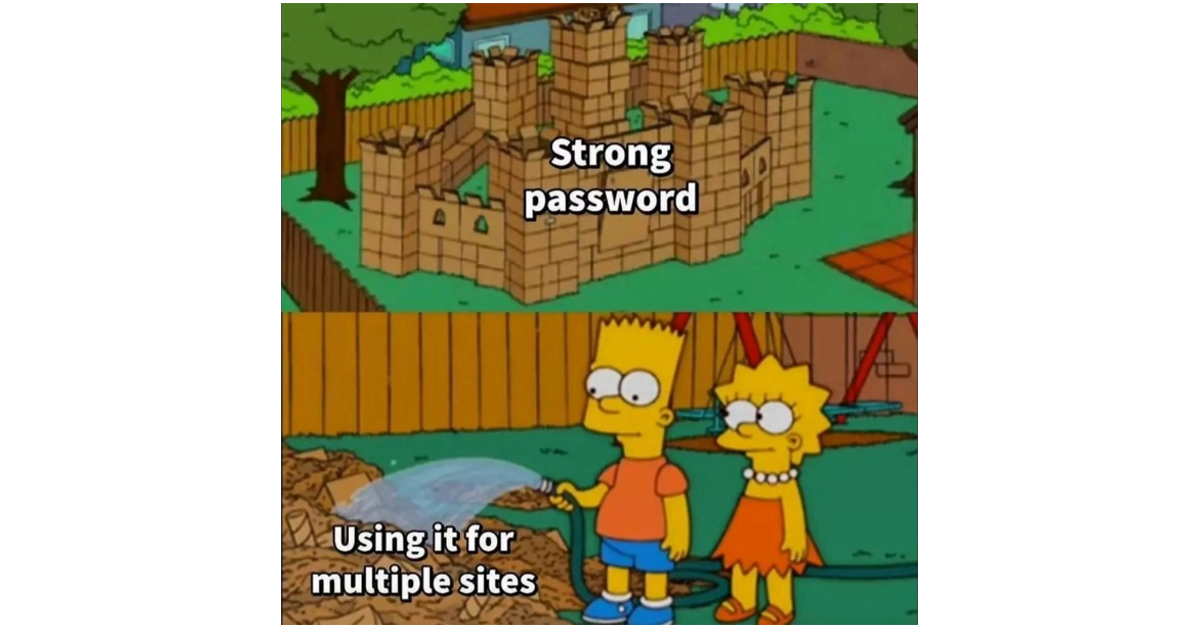
You need a password manager, which will encrypt your passwords for each website so you only need to remember one password to open your password manager. There are free ones like Keepass and LastPass or affordable paid ones like 1Password. Your browser can also save your passwords, but however you do it please don’t use your head to keep your passwords, that’s a sure way to make them non-secure. Don’t use any tricks like swapping an E for a 3, we promise you the people whose entire livelihood consists of breaking into accounts to steal money have thought of these too. If you’re not on a password manager, put down this ebook and go create an account, then move all passwords into there (and make them secure). Finally for your main password to open the password manager we recommend a passphrase which can be generated by a tool like this one.

You should also have 2 factor authentication (2FA) turned on for any account that lets you — and these days many services do. This means your account is also secured with a code that you get by SMS or on a phone app like Google Authenticator.
Finally, beware of scams. We’ve had experience with scammers breaking into emails and sitting there patiently for months waiting until there’s talk of payment and replying with the bank details before the real person does. We’ve seen scammers call your phone provider pretending to be a person saying they lost their SIM card to get their phone switched off, all so that they can intercept the 2FA security code that’s sent by SMS. We’ve heard it all. Today’s scams are smarter than ever, and you and your team are busier than ever which is how phishing and impersonation attempts slip past.
You’re only as strong as your weakest link.

