

An attribution model is an attempt to answer the question “how do we assign credit for conversions to different marketing channels given that our users might be visiting our website many times before they convert?”. We’ll explain the basics but note some very important caveats at the end of this post.
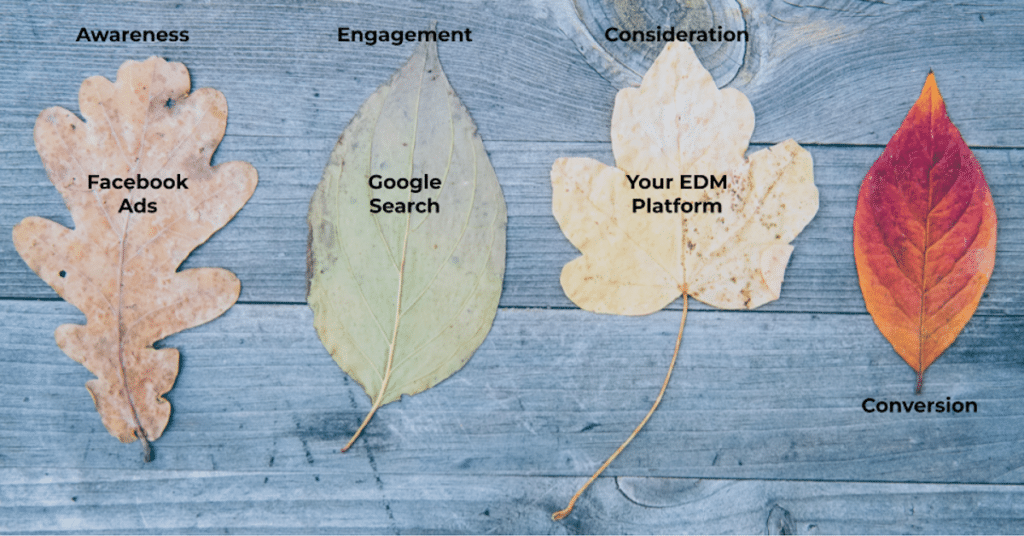
Traditionally, the default attribution model for digital analytics tools was last click, meaning the channel that drove the click where the user converted got 100% of credit. This essentially threw away any other historical data meaning your conversion reports would be very biased to channels that reach already warm leads (eg. branded keyword campaigns).

You can also have first-click attribution which attributes 100% of the credit to the first touchpoint. This is equivalent to the “how did you first hear about us?” question you might get asked or see in a form.
There are other models which don’t throw away this data. For example, the linear model assigns equal credit to each touchpoint in the journey.
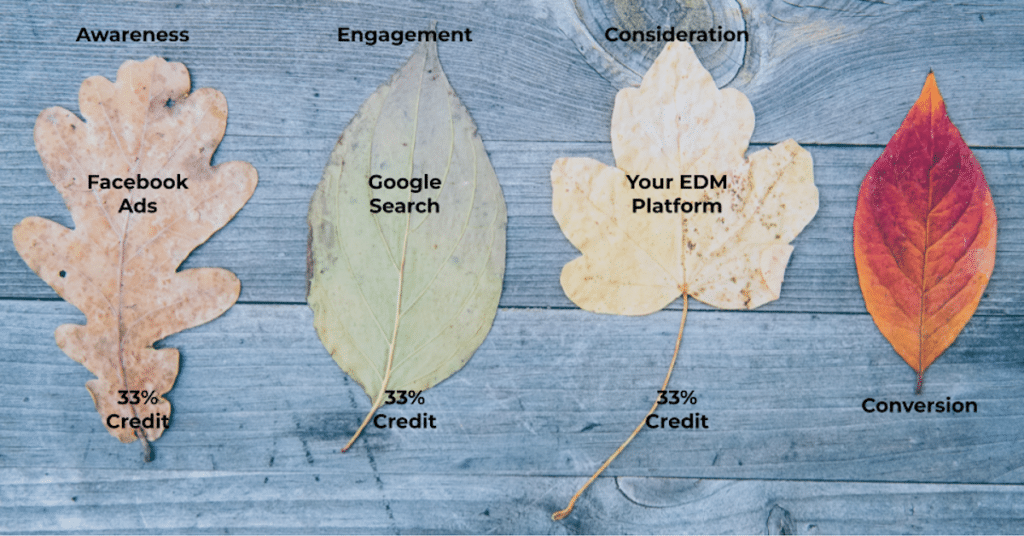
GA4’s default attribution model is data-driven attribution. This uses machine learning to allocate credit to marketing channels that Google things were most likely to have contributed to the conversion, across your own visitors’ journeys.

How do I see different attribution models?
In GA4, the relevant dimensions are the traffic source dimensions like Source, Medium, Source/Medium, Default Channel Group, Campaign, etc. The attribution model depends on which version you choose.
- If you choose the plain name, you’re choosing data-driven attribution. For example the Campaign field corresponds to the campaign name that GA4 assigned to the session based on data-driven attribution (“The campaign”).
- If you choose the name that starts with Session, you’re choosing last-click attribution. For example the Session Campaign field corresponds to the actual campaign name that someone used to visit your website that session so for conversions it will correspond to the converting session.
- If you choose the name that starts with First User, you’re choosing first-click attribution. For example the First User Campaign field corresponds to the campaign name that someone used to FIRST visit your website so for conversions it will correspond to first-click.
You can even compare these values by adding different columns to the same Exploration report (eg. Campaign vs Session Campaign).
You can also compare data-driven to last-click attribution in the Advertising section. Any other attribution models (eg. linear) you can now only recreate in BigQuery. For more information, see this post and this post from some useful websites we found.
Is this data real?
Yes and no. A few important things to remember:
- If there isn’t much consideration involved in converting (eg. it’s a simple action), most of your conversions might be from a single visit in which case attribution won’t matter.
- For users who visit multiple times, if they clear their cookies (or their browser does), or if they switch browsers/devices, they are likely to be counted as separate users. So GA4 is unlikely to capture most of these touchpoints as belonging to the same person anyway. The more traffic you have the more likely you are to uncover any difference in your reports between (say) First User Source, Source and Session Source.
- Even if you had all that data, GA4’s data-driven attribution model is just a model. It uses machine learning to try work out which touchpoints should get more credit but it can’t work out which touchpoint(s) caused the user to convert. It’s (luckily!) not a mind-reader. For more info on that, see the famous Attribution is Bullshit talk delivered in 2017.
Bottom line is your attribution reports are a data point but it’s only valuable to the extent that you understand that any analytics tool will always be heavily biased towards showing the channels that people who had already decided to convert used to find your website.

