
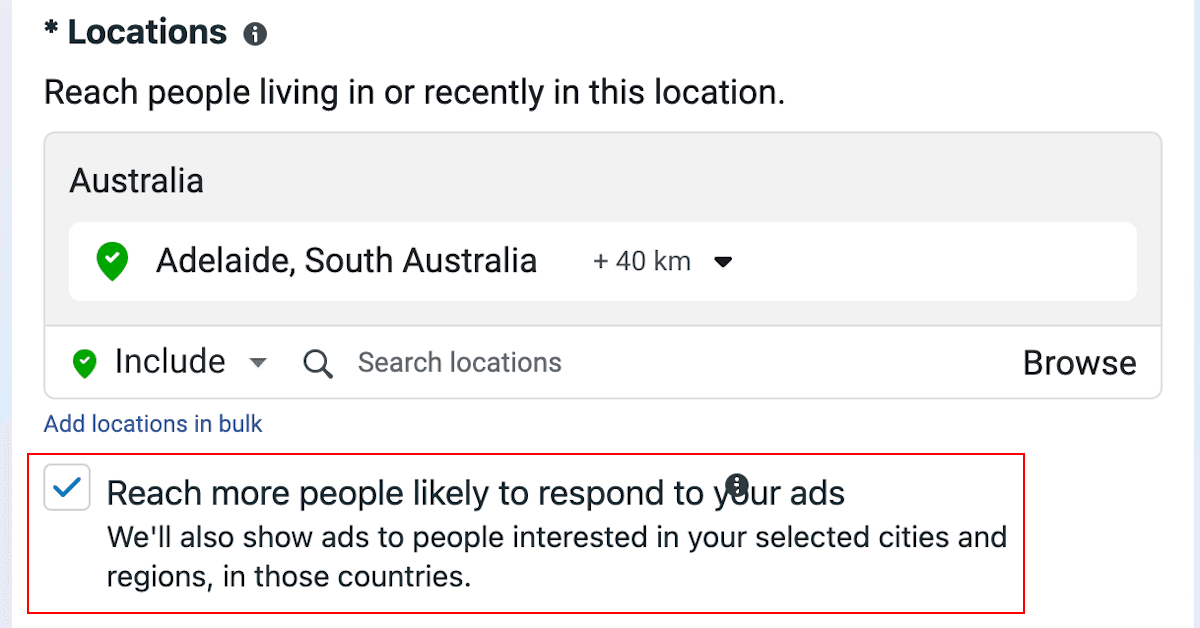
Meta has sneakily updated their location targeting options and set it to include people who are interested in the location you’ve selected, or have recently engaged with your page, the location, etc. More info on this Meta help article.
We’ve noticed based on some of our clients that this is now automatically turned on for audiences, whether they have been created inside an ad set or if they’ve been imported from an audience saved in Audience Manager.
This effectively expands geographic targeting beyond what you may have wanted originally, especially since there is not much documentation on how Meta defines people’s locations of interest. Anecdotally, ads have been coming up for our team that are outside of the location of interest (eg. an ad for a client in Adelaide shown to a team member in Sydney who isn’t interested in Adelaide).
We recommend that everyone running Meta ads review their settings and potentially turn off this setting. To do this:
- Navigate to the ad set level in Meta Ads Manager (or find the saved audience you want to edit in Audience Manager).
- Under Audience controls, then Locations: Make sure the following is unticked:
Reach more people likely to respond to your ads
We’ll also show ads to people interested in your selected cities and regions, in those countries.
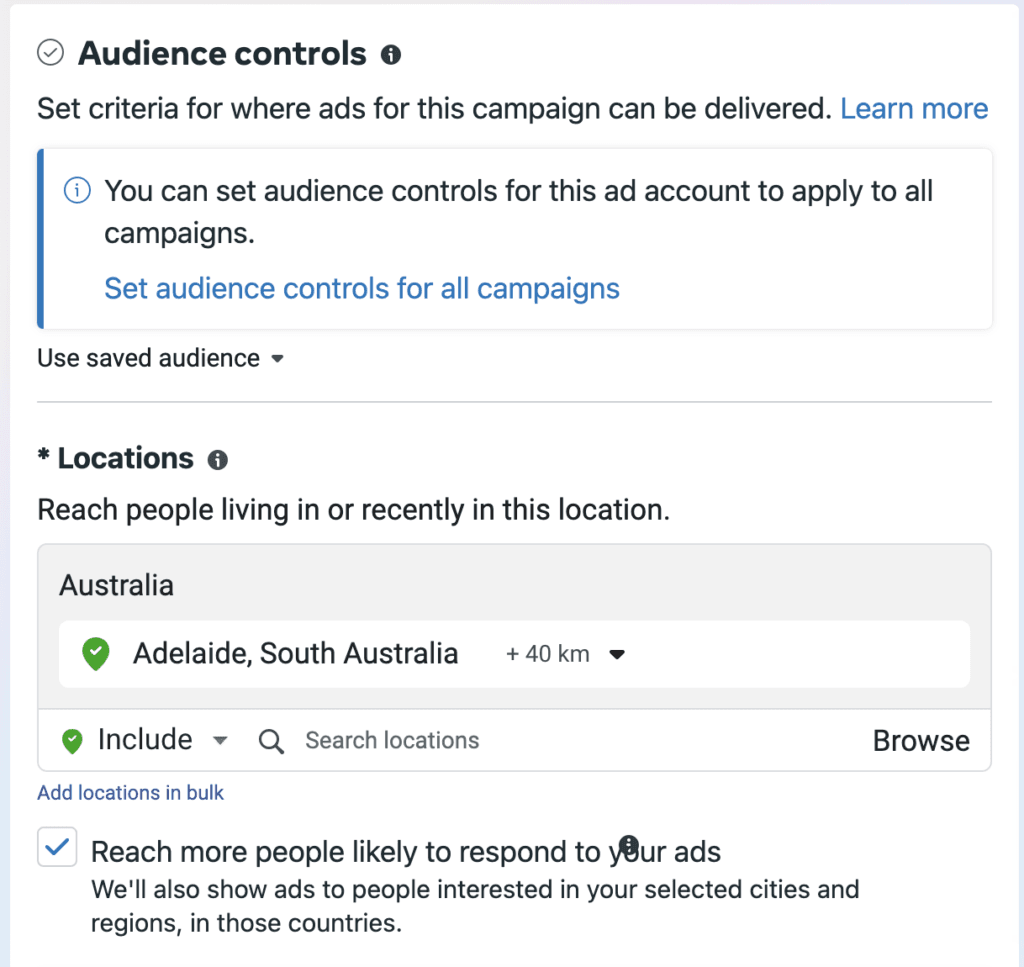
Here’s what the audience would look like if Meta pre-ticked this on your behalf:
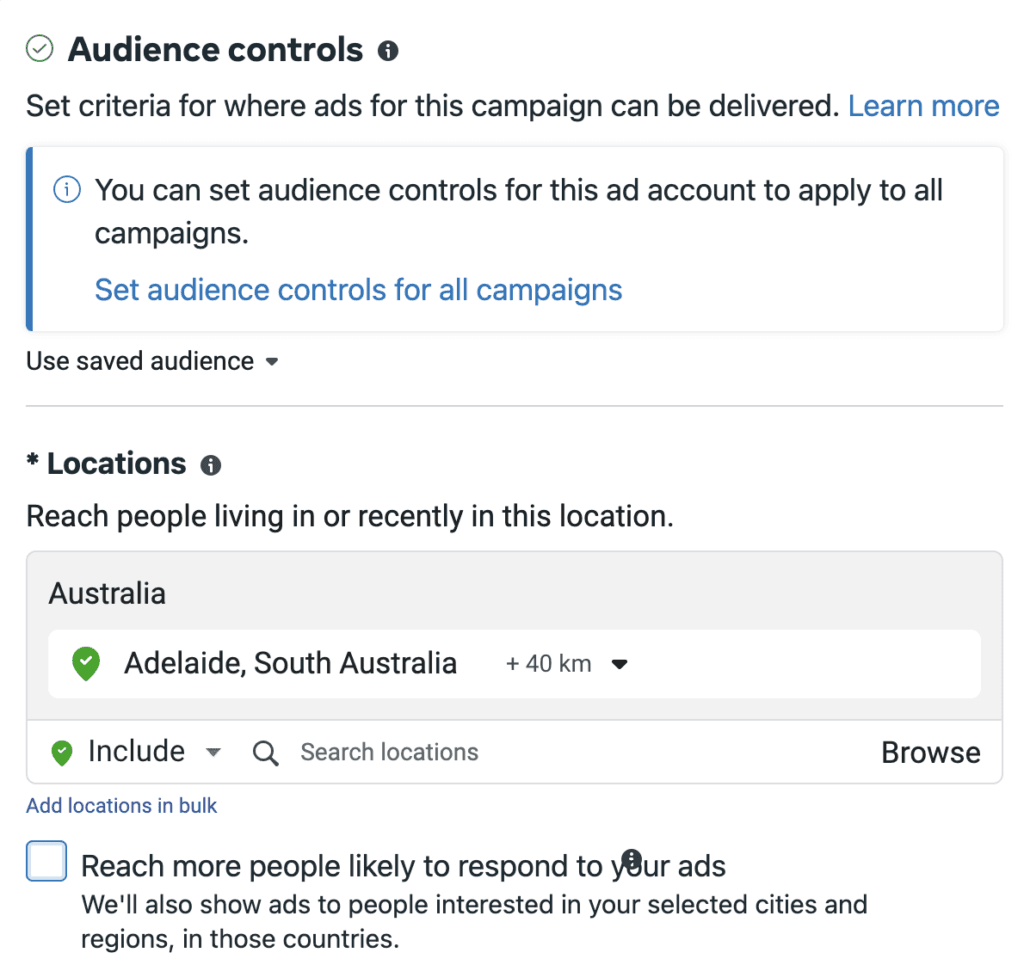
And here’s what it would look like if you untick it:
Nice try, Zuckerberg!

