
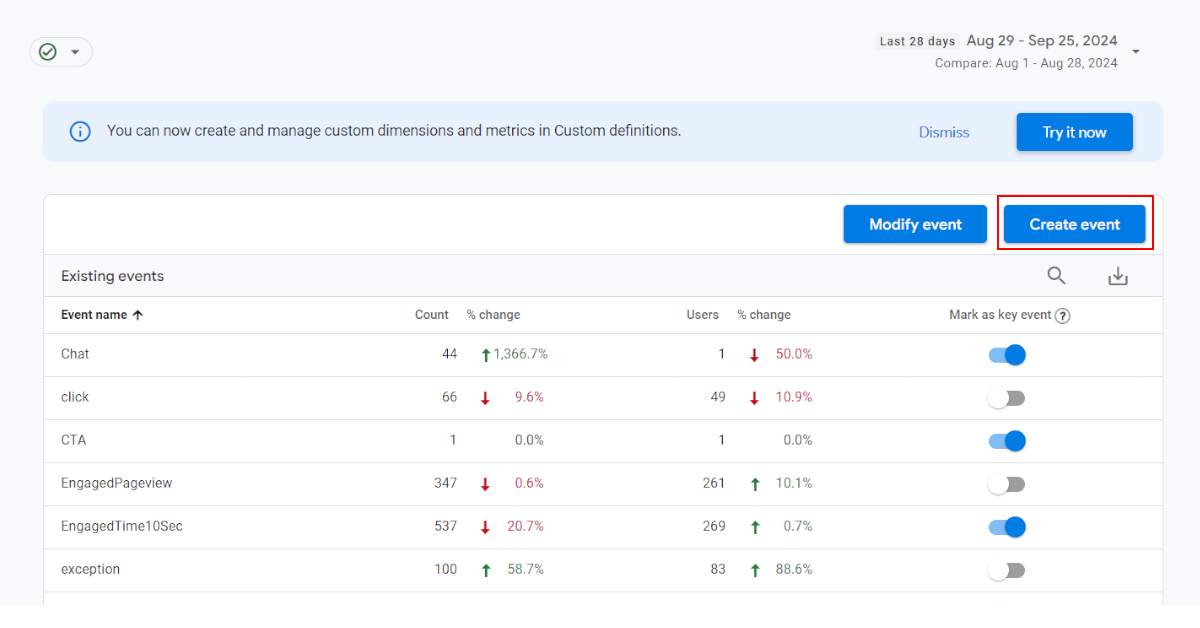
We’ve recently debugged a few data quality issues in client accounts that came up through use of this feature so thought it might be worth doing a quick rundown of this feature (and why in most cases you’d want to avoid it).
How do I find this feature?
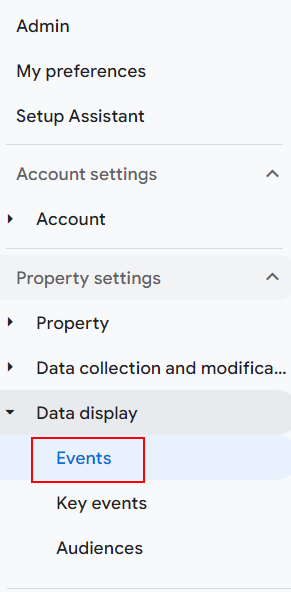
The “Create Event” feature lets you fire new events based on the events have just fired. To find it, click on “Events” in the left-hand menu:
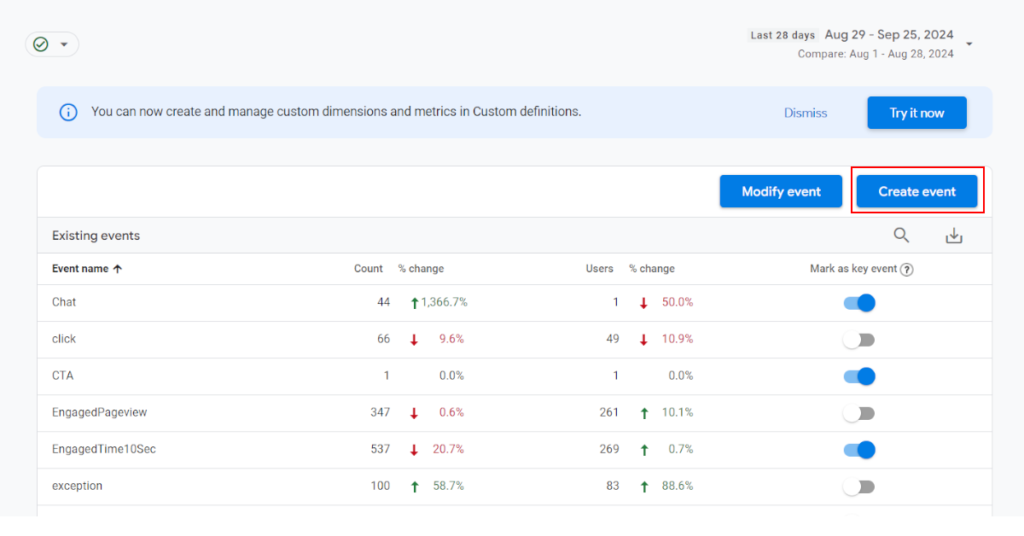
Then click “Create Events” at the top of the table:
When would I be using this feature?
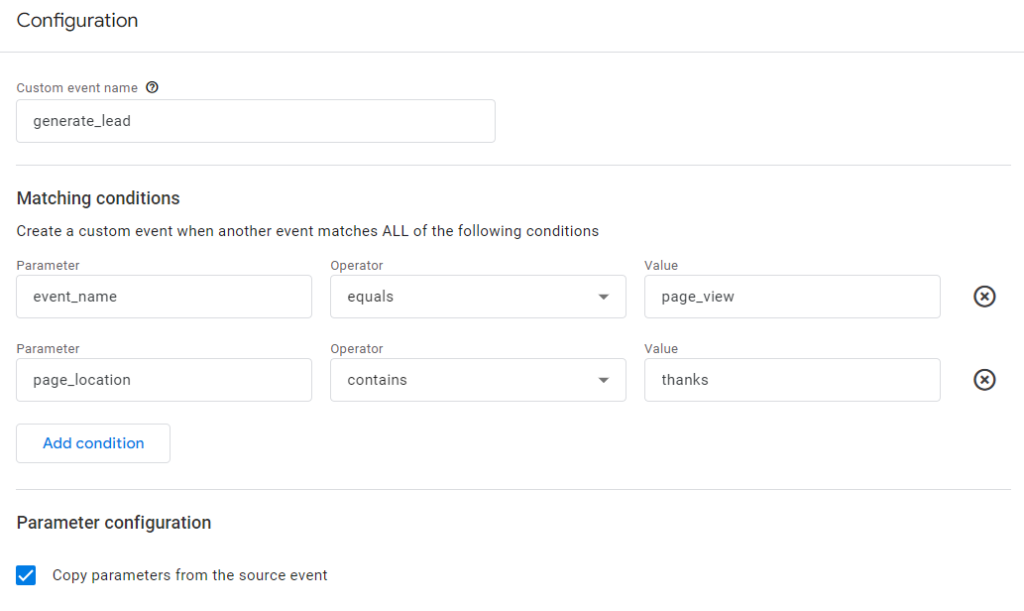
A classic example is if someone has just had a page_view event of a thankyou page (ie. the page_location event parameter contains “thanks” or something similar), then you can fire a conversion< event like generate_lead. Note that this is pretty easy and you can then define that event as a Key Event in GA4 and import it as a conversion into Google Ads. Here’s an example of what this would look like:
What are the downsides?
The main downsides would be if you’re using Google Tag Manager.
- The aim of GTM is to gather all of the tracking implementation (rules, events, naming conventions) in a single place, which gives you consistency and data governance. If you use this feature, you’re creating a second place where event behaviour is defined which means you can start to get contradictory setup.
- GTM also allows you to create a single rule for multiple vendors (eg. GA4, Meta Pixel, Microsoft Insight Tag etc.) By adding conversion or event rules in the GA4 interface, you lose out on the chance to have the same changes filter out to non-GA4 tags.
- This feature looks simple to use but if you don’t understand the relevant event names and parameters that are already set up in GA4, there’s a high chance you’ll make a mistake, something we’ve found happens pretty often in client accounts. So you may want to let stakeholders know that if you’re using GTM, that’s the best place to put all of the event tracking rules.
Another major downside to this feature is that the new event is fired from the user’s browser and is NOT streamed directly into the GA4 database on Google’s servers. This means if you are sending events to GA4 through another method (eg. Measurement Protocol), these rules would not apply.
When should I use this feature?
We think it only makes sense in one of these two cases:
- You’re not using GTM at all. But then, you probably should be.
- You are using a 3rd party website that only allows you to add your GA4 measurement ID but not GTM. Then these rules might be the only way you can track certain things. You should still test this carefully to make sure this doesn’t conflict with your existing GTM rules (if you still use GTM outside of the 3rd party website).

