
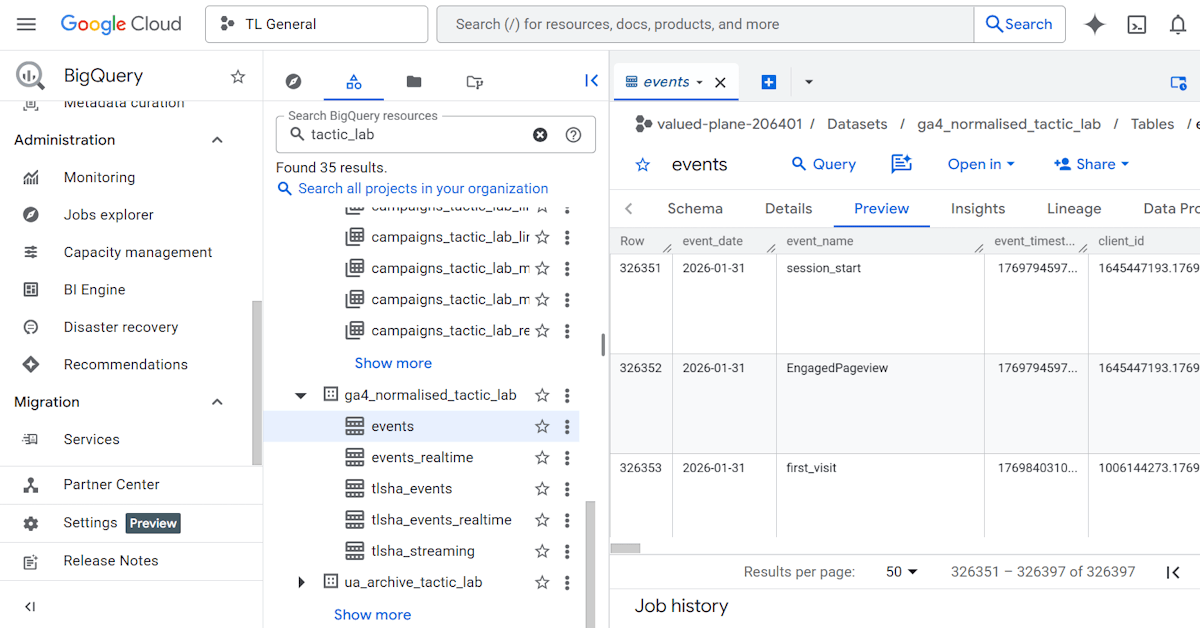
BigQuery is one of the many products in the giant Google Cloud Platform family of products. It’s a data warehouse, which essentially lets you store trillions of rows of data and query them. If that makes it sound like its main target market is enterprise-level companies, that’s true – however since 2020 BigQuery has become accessible and relevant to medium-sized and even small organisations.
Google Analytics
When Google Analytics 4 was first released in late 2020, it included a free export of the raw data to BigQuery. Up to now, this was only available to those who had the paid version of Google Analytics (which cost 6 figures plus each year). By connecting your GA4 to BigQuery, you get some of these benefits:
- You own your GA4 granular data, meaning it doesn’t expire and is not subject to sampling. In GA4 itself, granular data expires after just 2 months, which can be extended to 14 months. Sampling differs but for large websites, a lot of your standard reports might be based on only a fraction of your actual traffic.
- You can integrate your website traffic data with other systems (eg. your CRM) more easily.
- You can query your data to ask more advanced questions which are not possible to answer in GA4 alone.
- You can take advantage of other BigQuery features like scheduled queries and machine learning to create additional automations, alerts and integrations.
Below are some items we’ve been able to set up for clients using this BigQuery export:
- Alerts for traffic spikes and dips
- Alerts for personally identifying information (PII) getting into the account
- Ad hoc reports about other aspects of the website like top traffic sources, events etc.
- Combining website data for a paid campaign and its platform data (eg. cost) in a dashboard
- Excluding a segment of people who have visited the login page from all reports (not easy to do accurately without BigQuery).
Google Search Console
There is also an export available of Google Search Console data. Like with Google Analytics, this is the only way you can get a granular, detailed record of your websites’ performance in Google Search. The Google Search Console interface does not show the full dataset, only the top entries. Like with Google Analytics 4, the interface also samples your data so you will need the export for a full view.
Below are some potential use cases:
- Monitor your impressions and clicks over time for branded and non-branded keywords
- Organise your keywords into buckets, including by user intent
- Review the performance of rich snippets for your website over time
- Correlate search performance with offline advertising, media coverage etc
Other data sources
In addition to GA4 and Search Console data, you can now set up a lot of other data sources to pipe to BigQuery automatically. Below are the ones most relevant to non-enterprise orgs:
- Google Ads
- Meta Ads
- Google Merchant Center
- Google Play
- YouTube
- Shopify
- Stripe
- Salesforce
- Paypal
- Mailchimp
- Hubspot
These differ in how they work but the main thing for you to note is the Google Analytics and Google Search Console bulk exports don’t backfill, so any data collected before the connection will NOT be saved. Meaning for a lot of orgs, the sooner you connect the better.
Costs and risks
BigQuery isn’t free but because they are prized for enterprise, a small business may end up paying nothing or just a few cents per month for storage. Processing depends on how you’re using the data but is rarely a lot. You can see our cost estimate calculator here.
Of course there are risks of traffic spike costs but you can create alerts, dashboards and caps in BigQuery and Google Cloud as well.
There is also a data risk – by knowing that all of our data will be available until we choose to delete it, we might be incentivised to “track everything” on the promise/hope that we will use this data later. Now there’s definitely a call for storing some basic data for future long-term trendline analysis, which is why we recommend for most clients that they do enable the GA4 integration. For example, it’s useful to see more than 1 or 2 years of data to see if your traffic from Google really has dropped from AI overviews. But it’s definitely possible to get carried away. This however might be more of an organisational issue in terms of how data is treated rather than an issue with BigQuery itself. In fact, the fact that you’re paying a tiny amount to store your data (even if it’s 5c/month for most orgs) may get you to review if you actually need to be tracking all you’re tracking.
The bottom line is there are few orgs where we haven’t recommended using BigQuery in some form. It lets your org get access to some enterprise-level tools (and benefits) for something that can be close to free.

